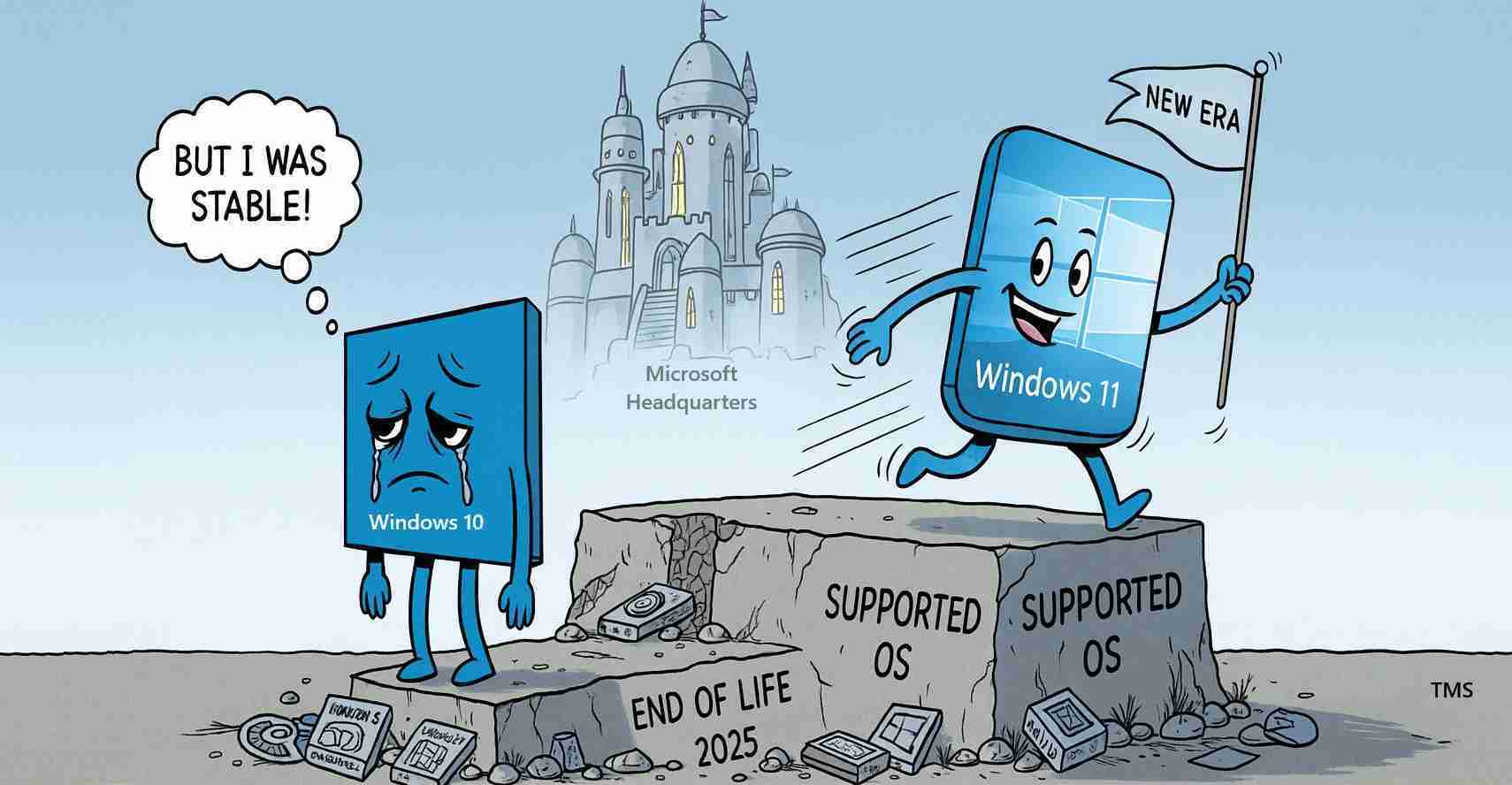
Windows 10 support ends Oct. 14, 2025 — what San Luis Obispo residents must do now to avoid cyber risk
Microsoft ends Windows 10 support on October 14, 2025, leaving more than 500 million PCs without security updates. San Luis Obispo residents should upgrade to Windows 11, enroll in Extended Security Updates, or replace devices to avoid increased cyber risk.
- End of support: Windows 10 stops receiving fixes after Oct. 14, 2025, including security patches — devices become vulnerable.
- Options: Upgrade to Windows 11, enroll in the one‑year Extended Security Updates (ESU), or replace unsupported hardware.
- Local impact: Public agencies, schools, small businesses, and healthcare providers in San Luis Obispo must inventory systems and act now.
- Immediate action: Back up files, install the last updates, and consult IT if unsure.
Key information
Microsoft will officially end support for Windows 10 on October 14, 2025. After that date Microsoft stops providing technical, feature, and security updates for all editions (Home, Pro, Enterprise). See Microsoft for the official announcement and Microsoft — End of support for broader guidance.
More than 500 million PCs still run Windows 10 worldwide, leaving a large installed base at risk when support stops — reported in live coverage and analysis by Windows Central.
Security risks after support ends
When Microsoft stops support, Windows 10 will no longer get fixes for newly discovered vulnerabilities. That absence of patches makes devices more attractive targets for malware and ransomware authors. Security experts warn that unpatched Windows 10 machines will face increased risk as new flaws are publicly disclosed (Windows Central; Marquette Today).
Microsoft warns devices will become “unsecured on the internet” if users do nothing after the end-of-support date. — Microsoft
What users should do now
Microsoft and technology outlets outline three primary choices. Each has trade-offs; evaluate them based on device age, role, and security needs.
- Upgrade to Windows 11: Microsoft recommends upgrading for continued security and new features. Check device compatibility before attempting an upgrade — guidance is available from Microsoft and Windows Central.
- Enroll in Extended Security Updates (ESU): For devices that cannot run Windows 11, Microsoft is offering ESU coverage for one year beyond end of support — until Oct. 13, 2026. Enrollment is required; passive retention on Windows 10 does not grant ESU patches (Microsoft).
- Replace unsupported devices: If hardware is too old or incompatible, replacing the device with a modern model that runs a supported OS is the safest long-term option (Microsoft — Complete guide).
What the ESU program covers — and what it does not
The Extended Security Updates program is a temporary measure that provides critical security fixes for one year after the end-of-support date. ESU does not restore technical support, new features, or non‑critical bug fixes. It is a stopgap while organizations and individuals plan migrations (Windows Central; Microsoft).
Many businesses and institutions use ESU to protect legacy systems while migrating critical infrastructure. Experts caution that long‑term reliance increases costs and complexity.
How to check if your PC can run Windows 11
Not all older PCs meet Windows 11 hardware requirements. Use Microsoft’s upgrade tools and documentation to determine compatibility and the recommended upgrade path: Microsoft — End of support and Microsoft — Learning Center.
Organizations: Inventory devices, prioritize systems that handle sensitive data, and schedule migrations. Schools, businesses, and government offices should plan projects now.
Impact scope and groups at risk
An estimated ~40% of the Windows user base may be affected because those machines still run Windows 10 (Windows Central). At-risk groups include:
- Home users without regular IT support.
- Small businesses, farms, and wineries that rely on legacy systems for bookkeeping or point-of-sale.
- Universities, hospitals, and local governments running specialized or legacy software.
Microsoft also discontinues technical support (phone/chat) for Windows 10 after Oct. 14, 2025, so plan for internal or third‑party IT assistance if remaining on Windows 10 with ESU (Microsoft).
Last updates and cleanup
Microsoft released a final mainstream Windows 10 update (KB5066791) before the end-of-support date to bring systems up to date. Users planning temporary retention on Windows 10 should install the final updates and then enroll in ESU to continue receiving critical patches through Oct. 13, 2026 (Windows Central).
Implications for San Luis Obispo, California
Local governments and public services: County and city departments often run mixed fleets. If devices remain on Windows 10 past Oct. 14, those systems will not receive security patches, increasing the risk of data breaches and outages. IT teams should inventory devices and prioritize critical systems (Microsoft).
Schools and Cal Poly: Educational institutions may use older machines in labs. ESU can bridge budgeting gaps, but IT departments should communicate timelines and restrict unsupported devices from handling sensitive tasks (Windows Central).
Small businesses, farms, and wineries: Many lack dedicated IT staff. Owners should contact vendors or local consultants in San Luis Obispo County to check compatibility and consider ESU or hardware replacement. Prioritize point-of-sale and inventory systems to protect financial and customer data (Microsoft — Complete guide).
Healthcare and critical services: Clinics and medical offices must keep patient records on supported systems to avoid ransomware risks and ensure continuity of care (Microsoft).
Practical steps for San Luis Obispo residents
- Check your PC’s status and back up important files now. Install the latest Windows 10 updates available before Oct. 14, 2025 (Windows Central).
- If compatible, upgrade to Windows 11: Use Microsoft’s resources to confirm compatibility and follow the recommended upgrade path (Microsoft — End of support).
- If not compatible, enroll in ESU: Register for Extended Security Updates to receive critical patches through Oct. 13, 2026 while you plan replacement (Microsoft).
- Seek local IT help: Small businesses and residents can find qualified technicians in San Luis Obispo County to assist with compatibility checks, upgrades, or migrations.
Time is limited. With Windows 10 support ending on Oct. 14, 2025, act now to protect devices, data, and services.